Importing Assets from Legacy Software Files
From the homepage, select the Integrations tab and then select the 'By .xlsx or.xls tab'
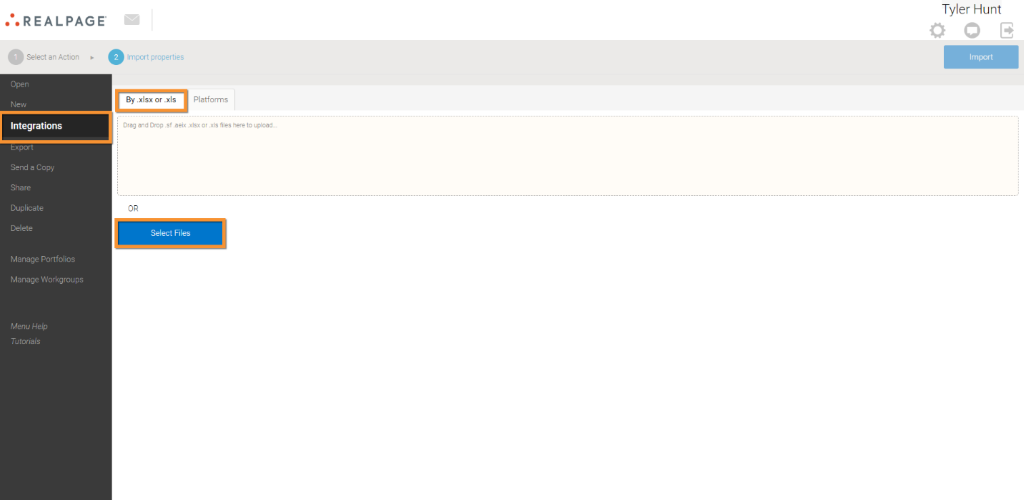
From here you can drag the file(s) or browse your computer to select the file(s) you want to import. You can import more than one file into the system.
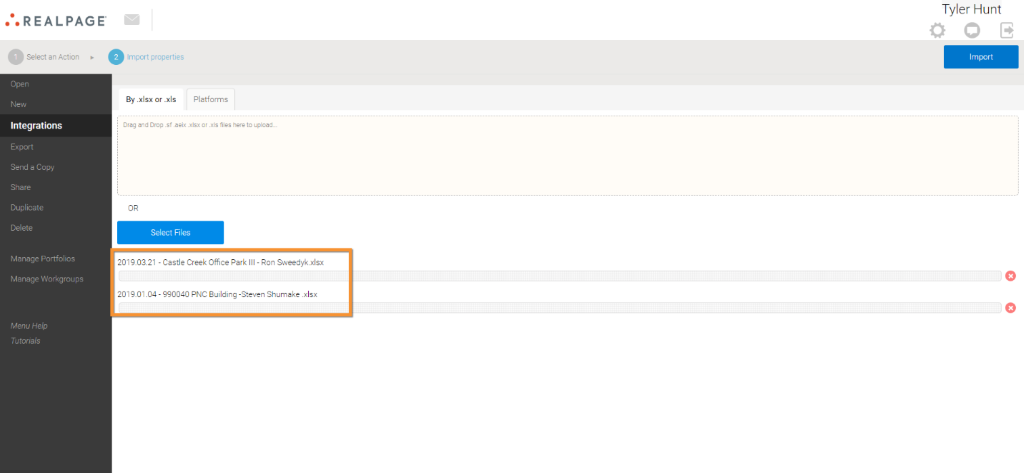 After adding your files, click on the Import button in the top right. Once the files have been successfully imported, you will see Done next to each document name.
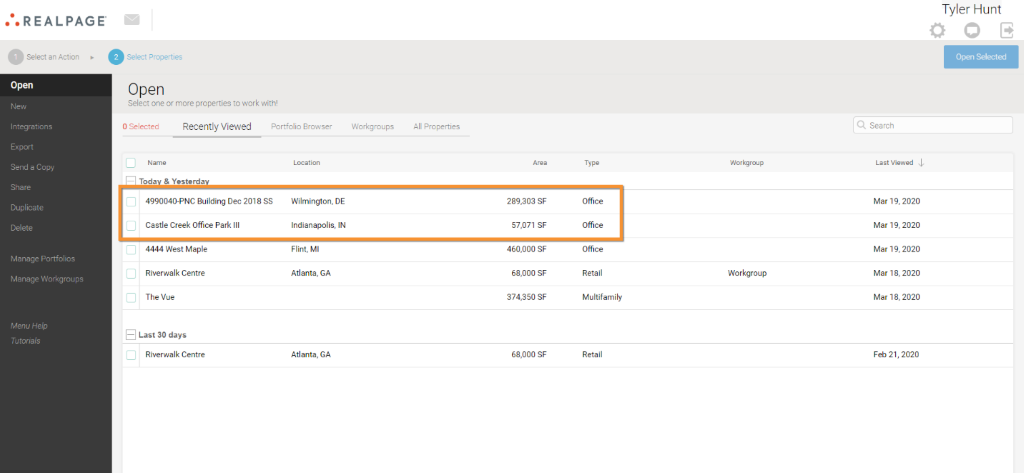
To view your newly loaded assets, click on Open and then Recently Viewed, and the assets will be located there.