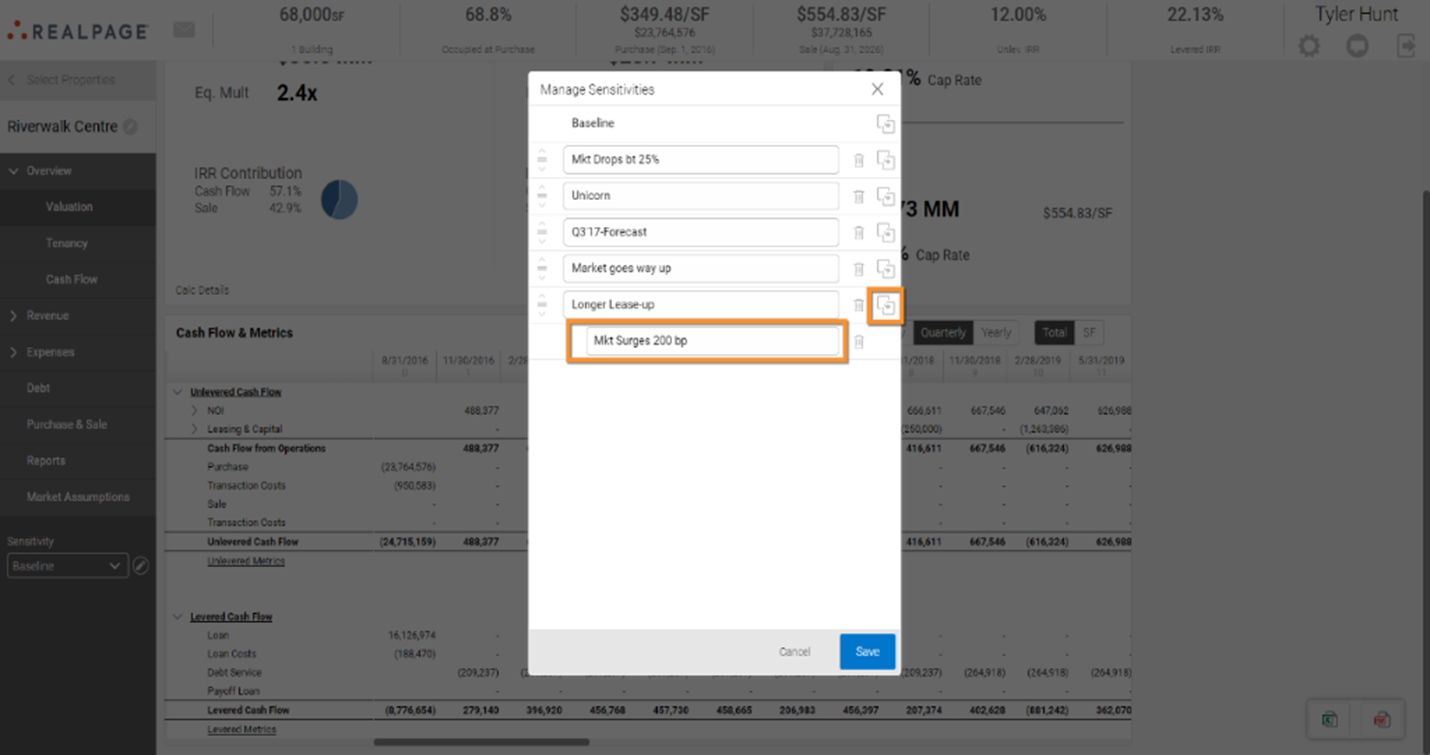
Create a Portfolio Sensitivity
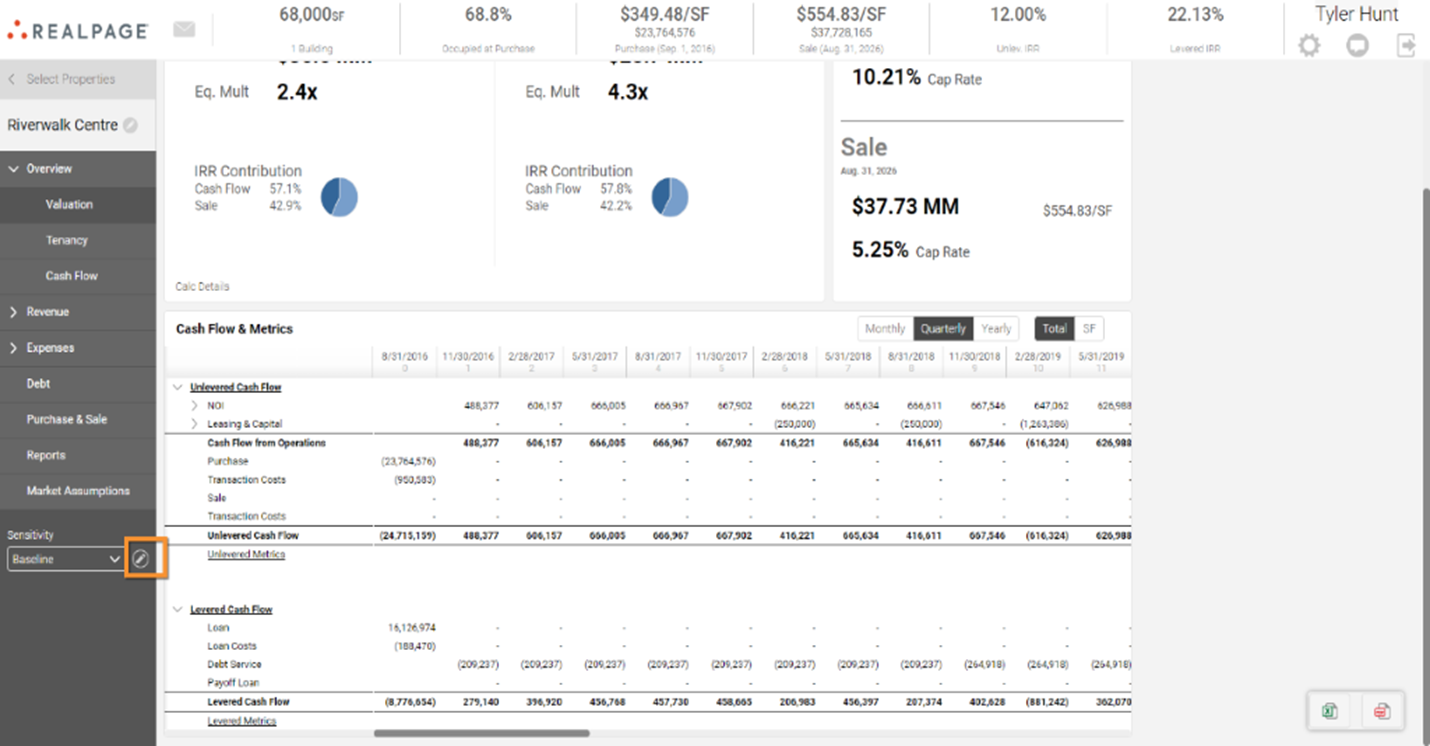
A sensitivity will create an exact copy of the user’s baseline model in any given portfolio. To begin creating a new sensitivity, navigate into the portfolio, then click on the pencil icon at the bottom under “Sensitivity.”
From the menu of sensitivities, you can add a new one by clicking on the icon pictured below. Then you can name it according to your organizational preferences.