Creating a Loan
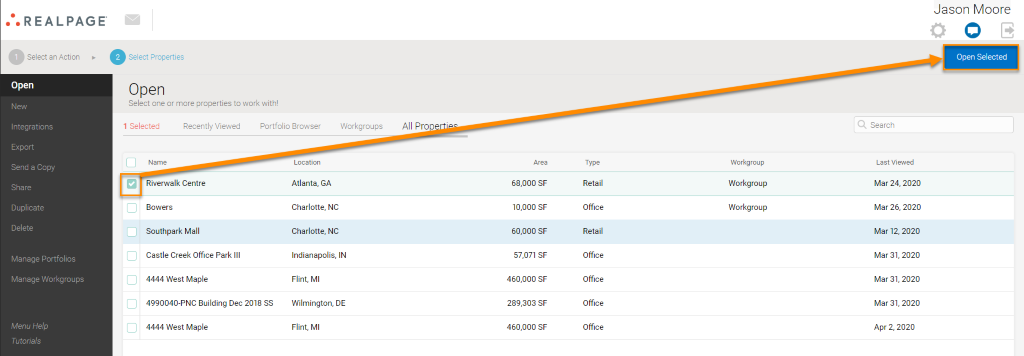
Select the property you would like to add a loan to. Select Open Selected button in the top right corner.
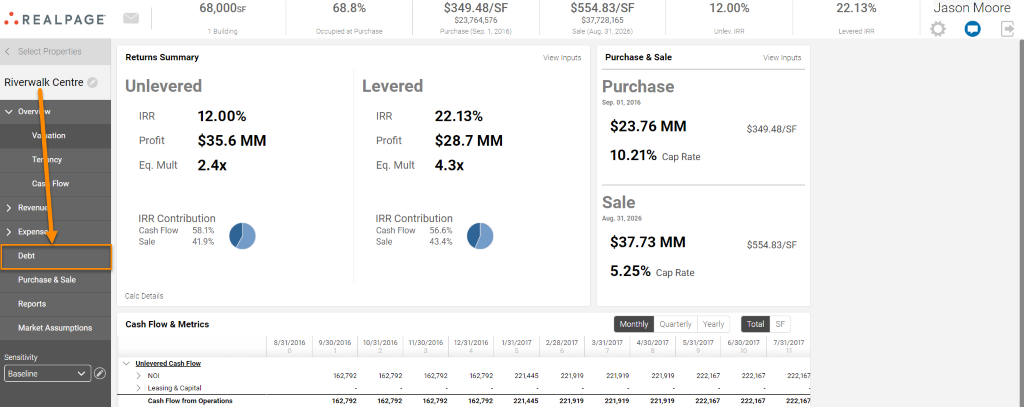
Select the Debt tab from the navigation panel on your left.
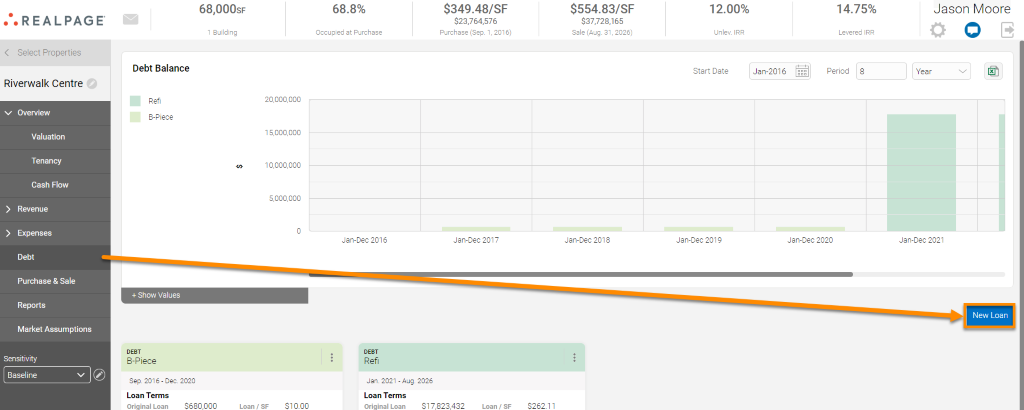
Select the New Loan tab located on the bottom right side of the screen.
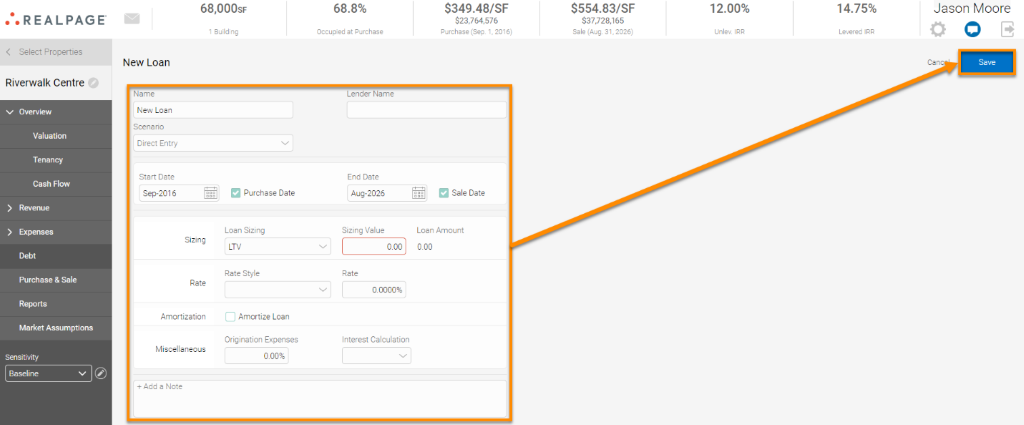
Fill in the appropriate fields pertaining to the loan you wish to add. For any additional notes, there is a field at the bottom for this information. Select Save.
All loans will be visible on the Debt tab once these are entered and saved. You may use the Show Values tab for more granularity, or select the vertical ellipsis (three dots) to Edit, Remove, Duplicate. or generate an Amortization Schedule for one of your loans: