Creating a Sensitivity
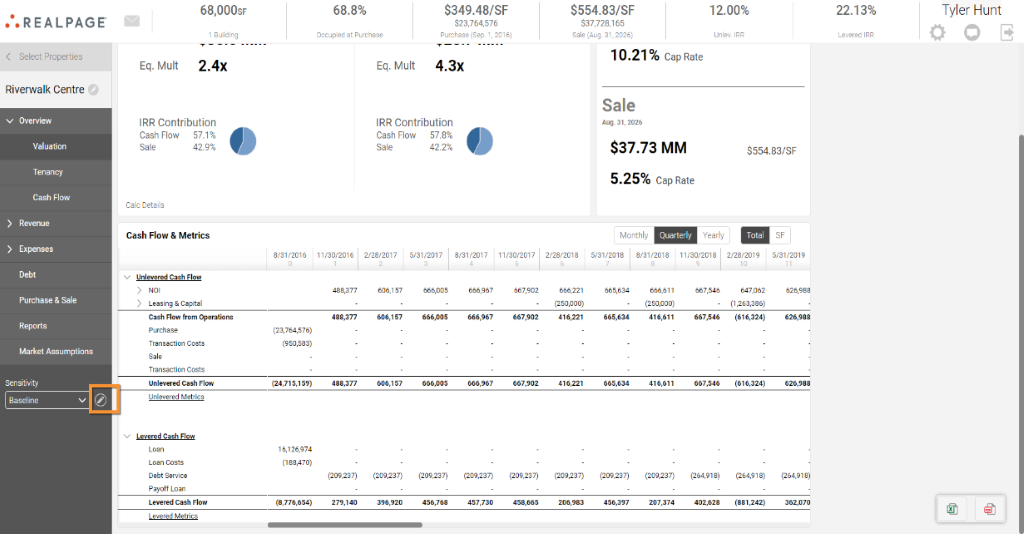
A sensitivity will create an exact copy of the user’s baseline model in any given property. To begin creating a new sensitivity, you will navigate into an Asset from the 'Open' menu, then click on the pencil icon at the bottom under “Sensitivity.”
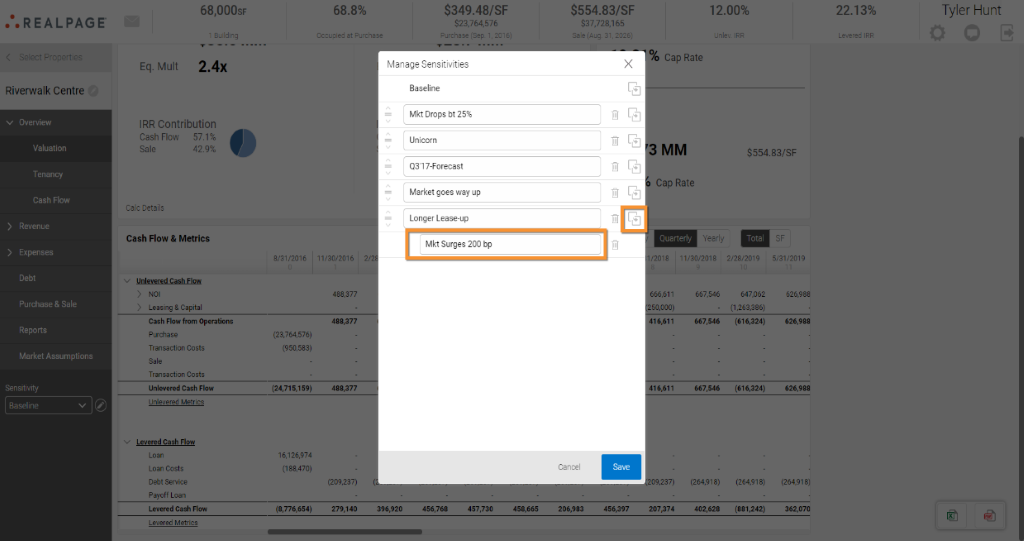
From the menu of sensitivities, you can add a new one by clicking on the icon pictured below. Then you can name it according to your organizational preferences.
To customize your Sensitivity, you will enter in all changes you forecast happening under that scenario across the platform, and the metrics will update accordingly. Please note that changes made under a sensitivity will be in effect until changed.